
Sync & offline
Sign in with the same account everywhere and your tasks, sessions, goals, log and settings stay in sync. Changes usually show up on your other devices within seconds. The timer syncs too: start it on your phone and the web app shows it running.
The task grouping you pick is kept per device on purpose, so your phone and laptop can show tasks differently.
Offline first. Everything is stored on your phone, so Kombine works the same without a connection. Changes made offline sync when you’re back online.
Without an account nothing leaves your phone. Your data isn’t backed up, so uninstalling the app deletes it.
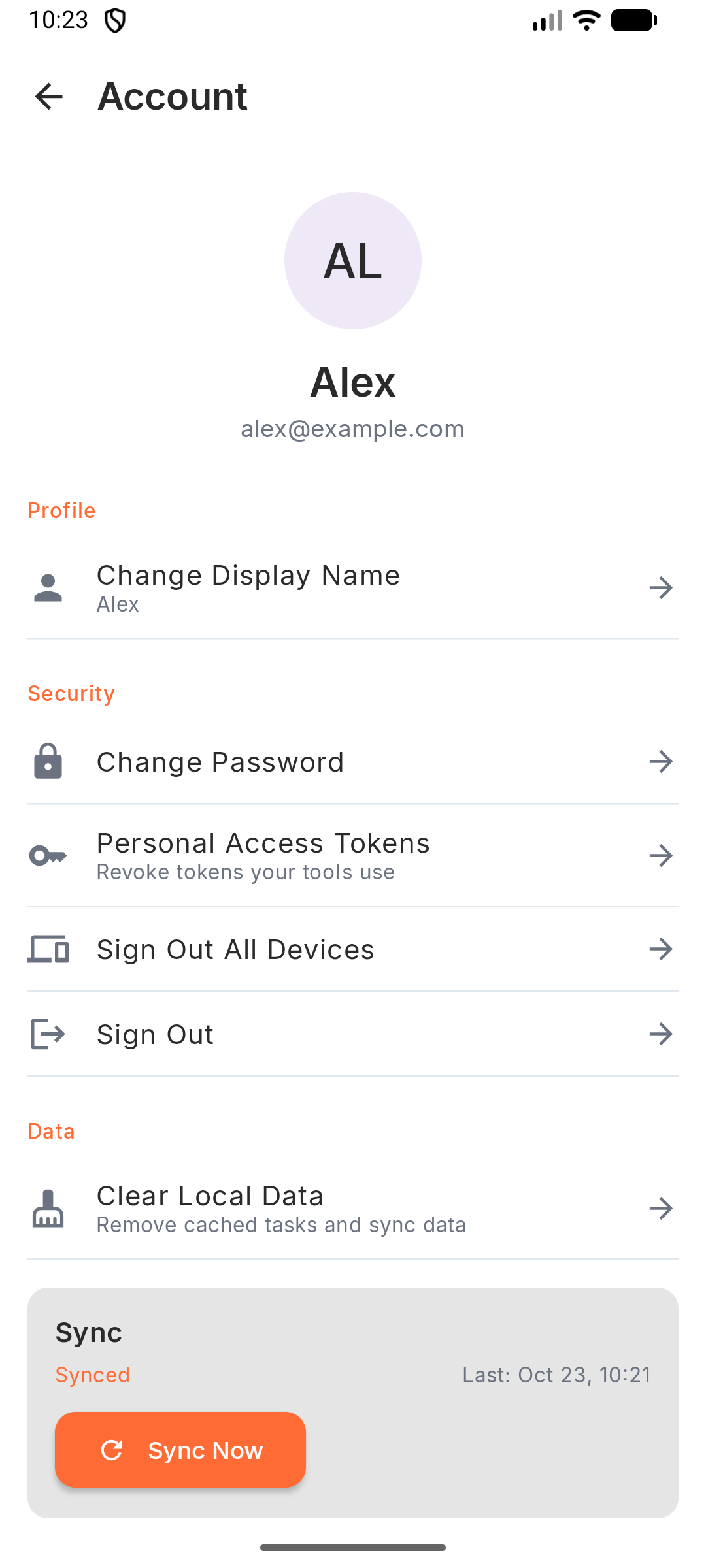
Sync status is in Settings › Account: Synced, Syncing…, Not synced or Sync failed, with the last sync time and Sync Now. If a sync doesn’t finish, a banner offers Retry now.
Conflicts. If a task changed on two devices before they could sync, Kombine shows both versions side by side. Choose Keep mine or Use server’s.
Offline first. Everything is stored on your phone, so Kombine works the same without a connection. Changes made offline sync when you’re back online.
Without an account nothing leaves your phone. Your data isn’t backed up, so uninstalling the app deletes it.
Sync status is in Settings › Account: Synced, Syncing…, Not synced or Sync failed, with the last sync time and Sync Now. If a sync doesn’t finish, a banner offers Retry now.
Conflicts. If a task changed on two devices before they could sync, Kombine shows both versions side by side. Choose Keep mine or Use server’s.
The web app needs a connection and always works on the latest data from your account.
Sync now and Clear local data are under Settings › Notifications › Data. Clearing only affects this browser.
Conflicts. If you edit a task that changed on another device in the meantime, you’ll see This task changed on another device. Pick what to keep, then Save merged, or Discard my changes.