Activities
An activity is the kind of work a session was: Work, Meeting, Learning, Admin, Reading, Exercise, Creative, Planning. Pick one when you start the timer, and Statistics can show where your time went.
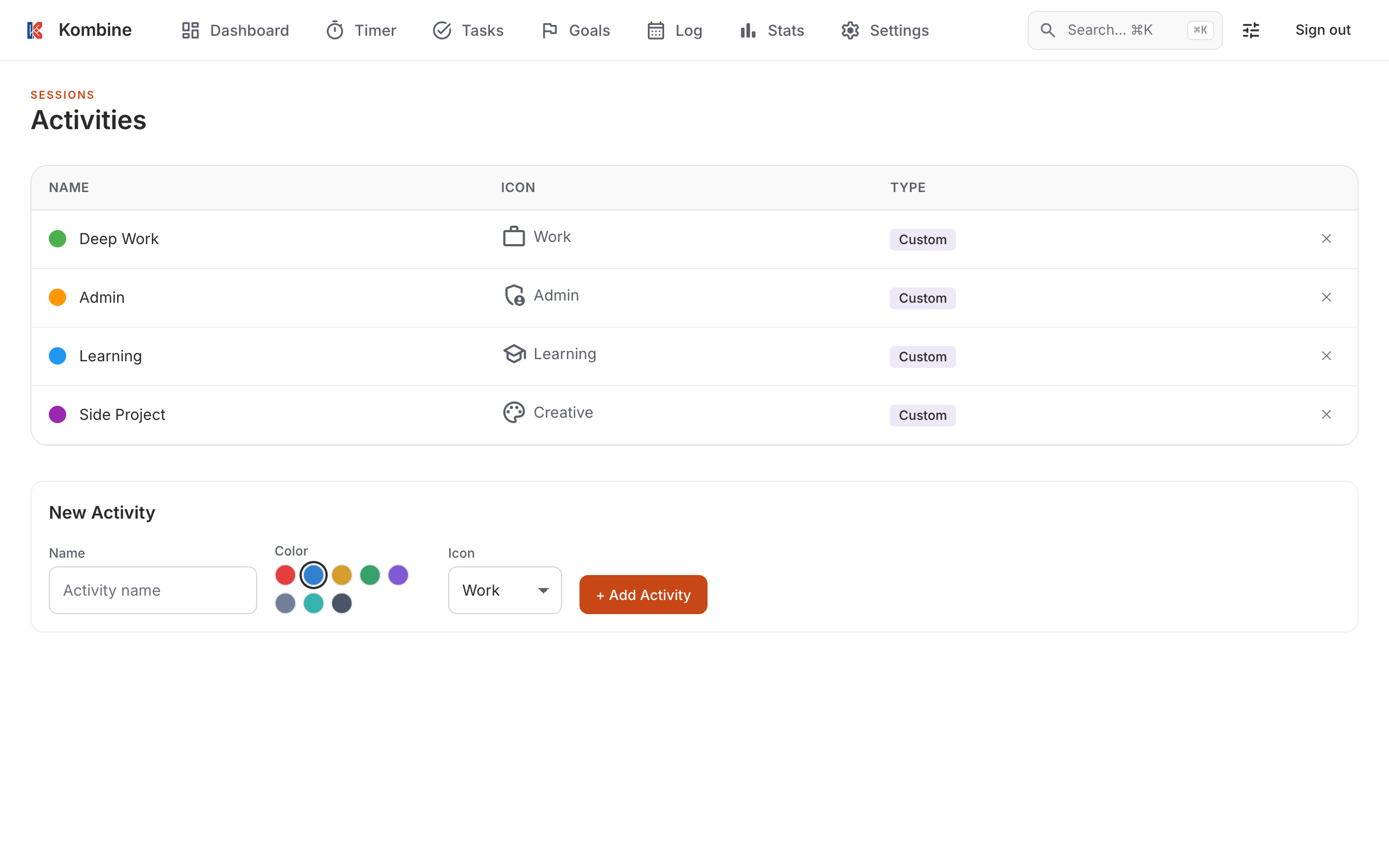
The built-in activities can’t be changed. Add your own with a name, icon and color.
You can also set an activity on a task, so the task shows what kind of work it is.
On the Timer tab, tap an activity chip under the task to use it for the next session.
To manage your own, tap the + chip. The Activities sheet lets you add, edit and delete them.
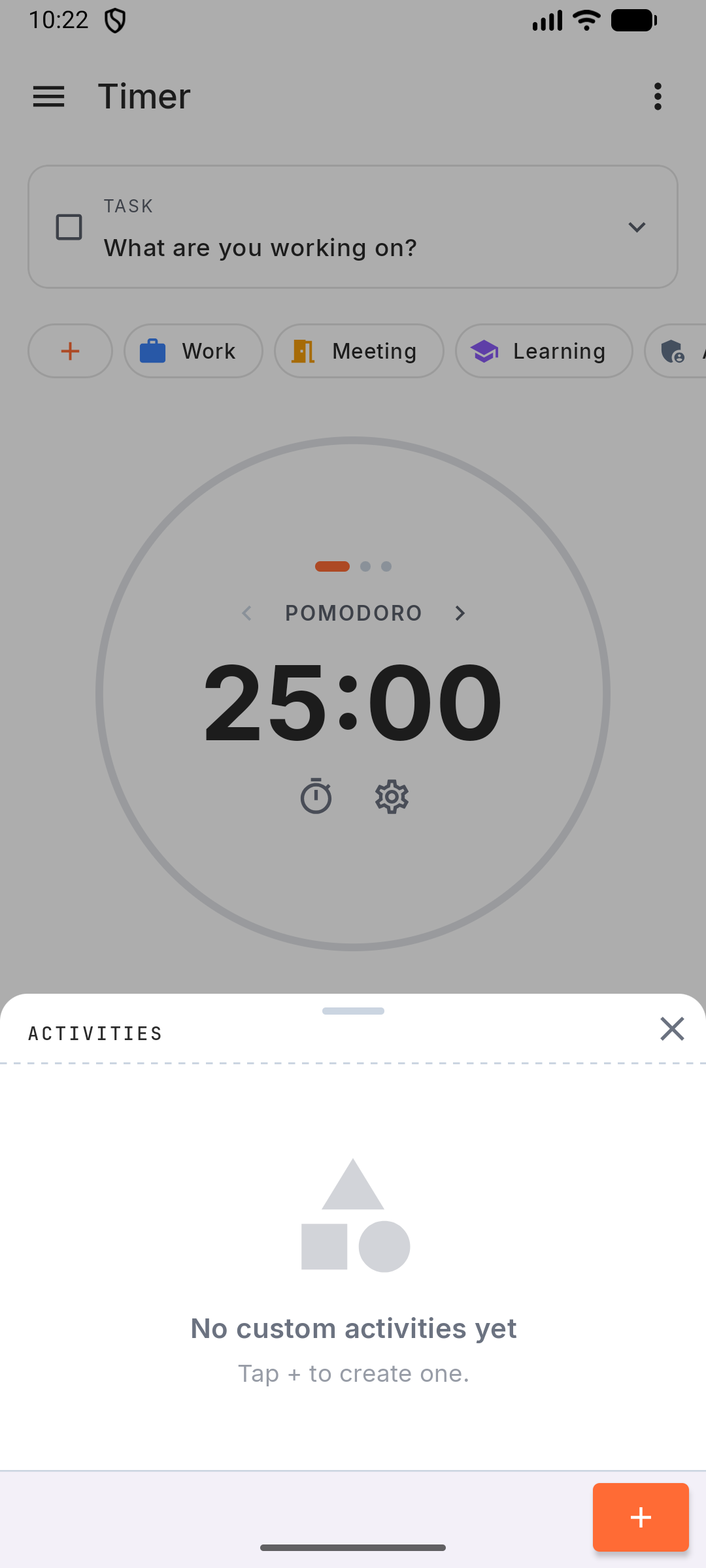
On the Timer tab, tap an activity chip under the task to use it for the next session.
To manage your own, tap the + chip. The Activities sheet lets you add, edit and delete them.
On the Timer page, click an activity chip to use it for the next session.
To manage your own, click Manage activities. Under New Activity set a name, color and icon, then click + Add Activity. Click a custom activity’s name to rename it, or ✕ to delete it.