
Reminders
Task reminders
Section titled “Task reminders”Give a task a reminder and Kombine notifies you before it’s due.
- Open a task and set a due date.
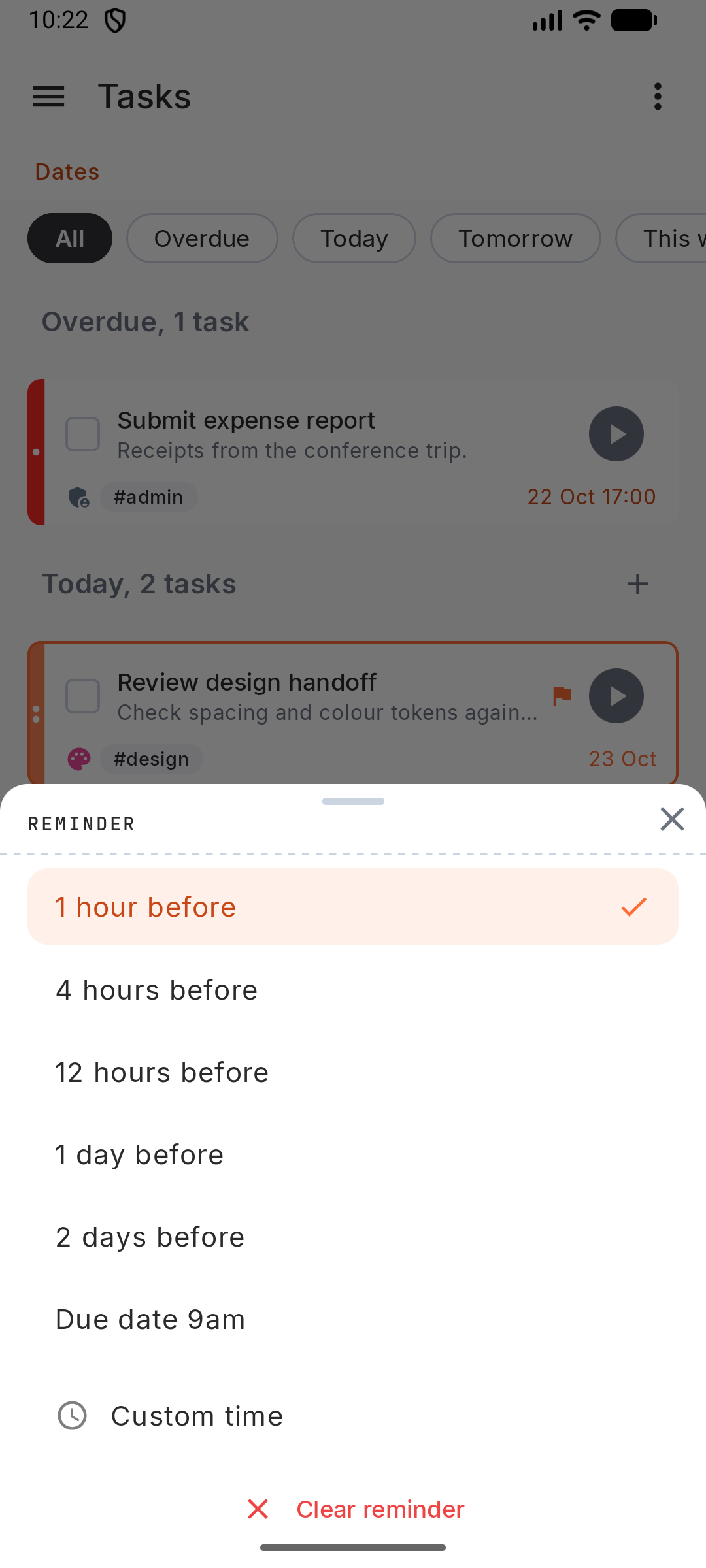
- Tap the bell and pick: 1 hour, 4 hours, 12 hours, 1 day or 2 days before, Due date 9am, or Custom time.
The notification has Done and Snooze 1h buttons.
To add a reminder to every new task with a due date, go to Settings › Notifications & Reminders › Default reminder.
- Open a task and set a due date.
- Tap the bell and pick: 1 hour, 4 hours, 12 hours, 1 day or 2 days before, Due date 9am, or Custom time.
The notification has Done and Snooze 1h buttons.
To add a reminder to every new task with a due date, go to Settings › Notifications & Reminders › Default reminder.
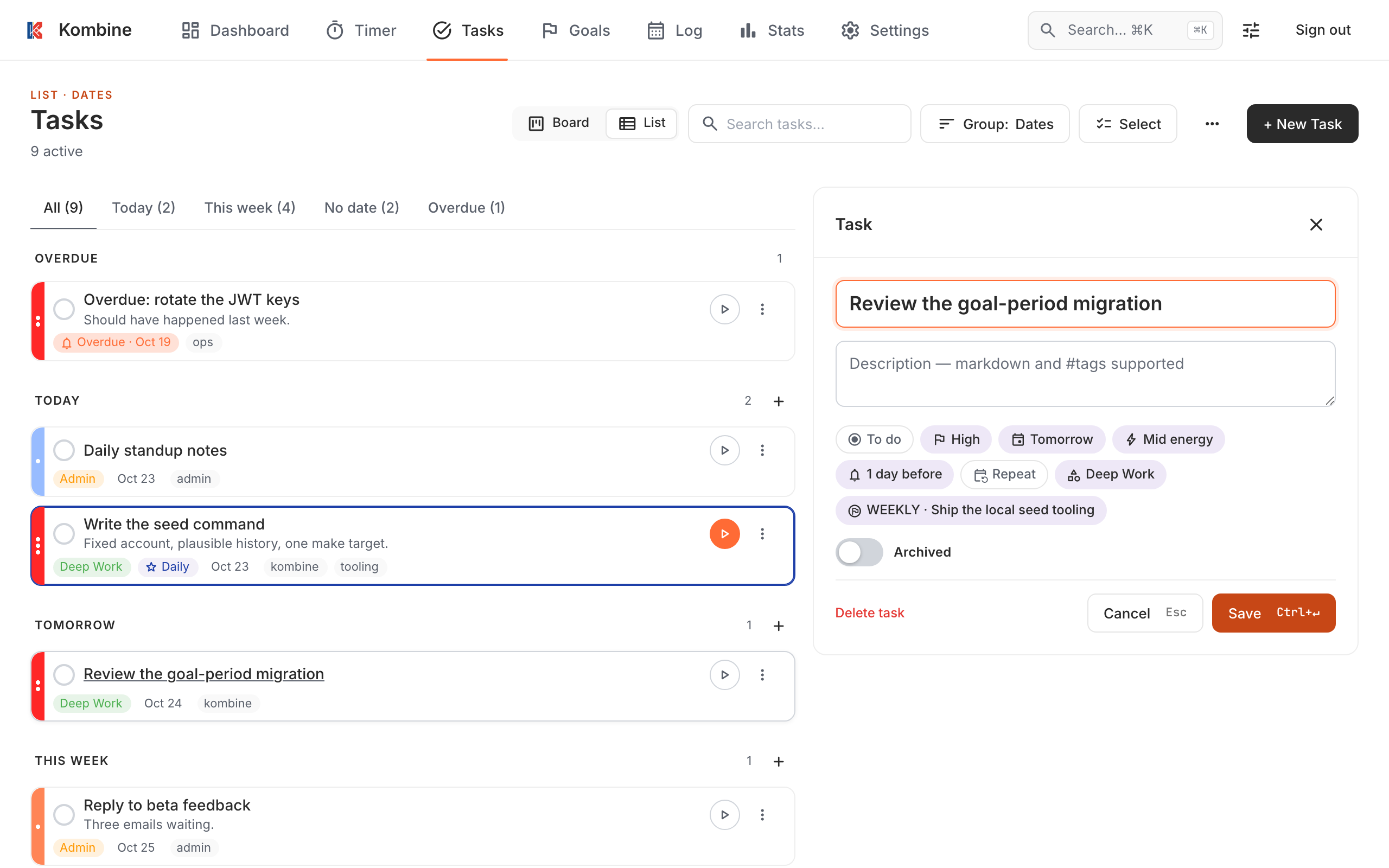
- Open a task and pick a Reminder: On due date, 9am, 1 day before, 2 days before or Custom time.
- Turn on browser notifications once: Settings › Notifications › Push Notifications. If your browser blocks them, allow notifications for app.kombine.dev in the browser’s site settings.
Clicking a reminder opens the task.
Daily and periodic notifications
Section titled “Daily and periodic notifications”In Settings › Notifications & Reminders:
- Morning brief: a summary of your day, at 09:00 by default. It has Start focus and Open plan buttons.
- Goal rituals: a nudge to review the last period and plan the new one, and an optional mid-period check-in.
- Weekly summary: off by default; Sundays at 19:00 when on.
If notifications are off for Kombine in your phone’s settings, a banner offers to open them.
In Settings › Notifications & Reminders:
- Morning brief: a summary of your day, at 09:00 by default. It has Start focus and Open plan buttons.
- Goal rituals: a nudge to review the last period and plan the new one, and an optional mid-period check-in.
- Weekly summary: off by default; Sundays at 19:00 when on.
If notifications are off for Kombine in your phone’s settings, a banner offers to open them.
With browser notifications on, you get a Daily Summary at 9:00 in your time zone when tasks are due that day.