
Energy planner: match tasks to the energy you have
Most task planners ask: what’s important? An energy planner asks a different question: what can you actually do right now?
Your energy isn’t flat. It’s high in some hours and gone in others, and some days it never shows up at all. A plan that ignores that puts your hardest task at 4 pm and then calls you lazy for not doing it.
Every task has an energy level
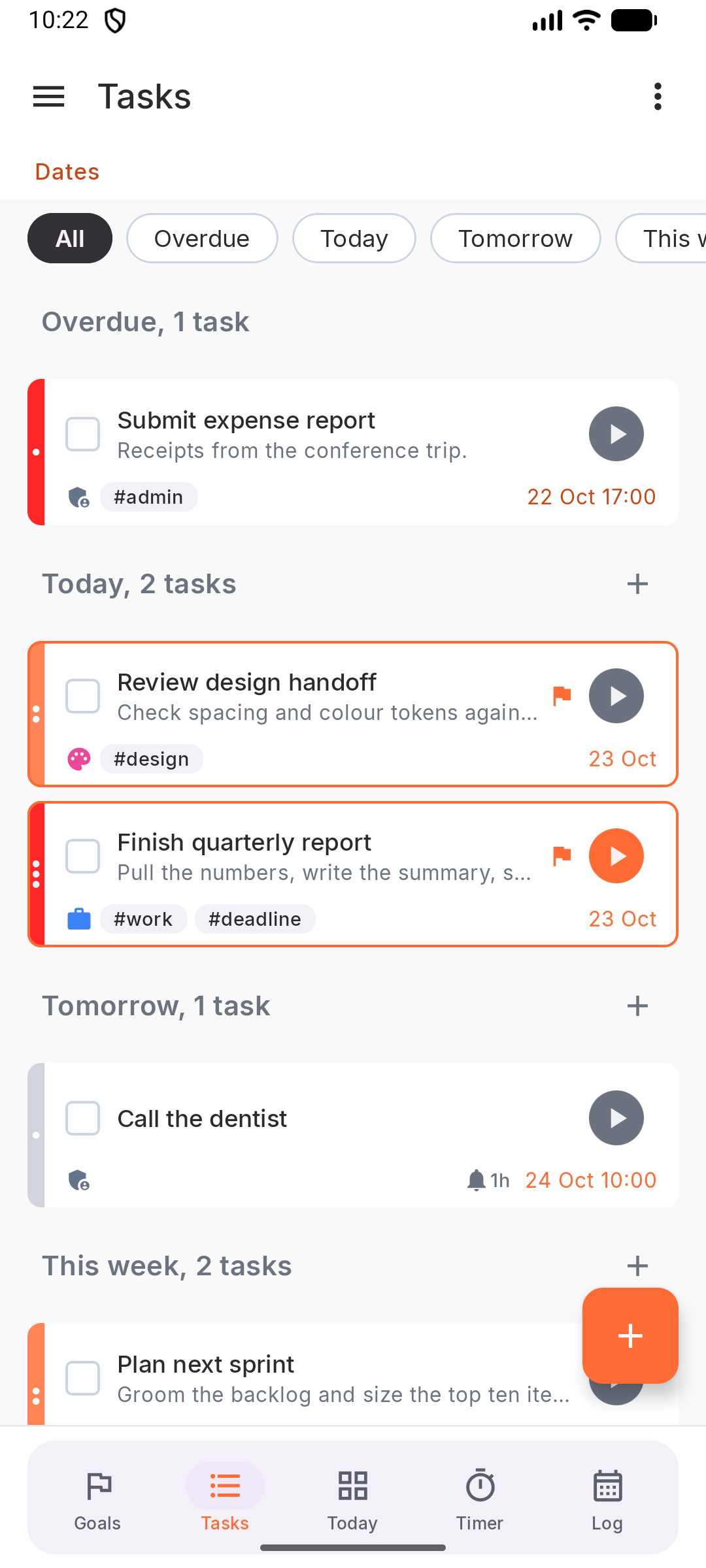
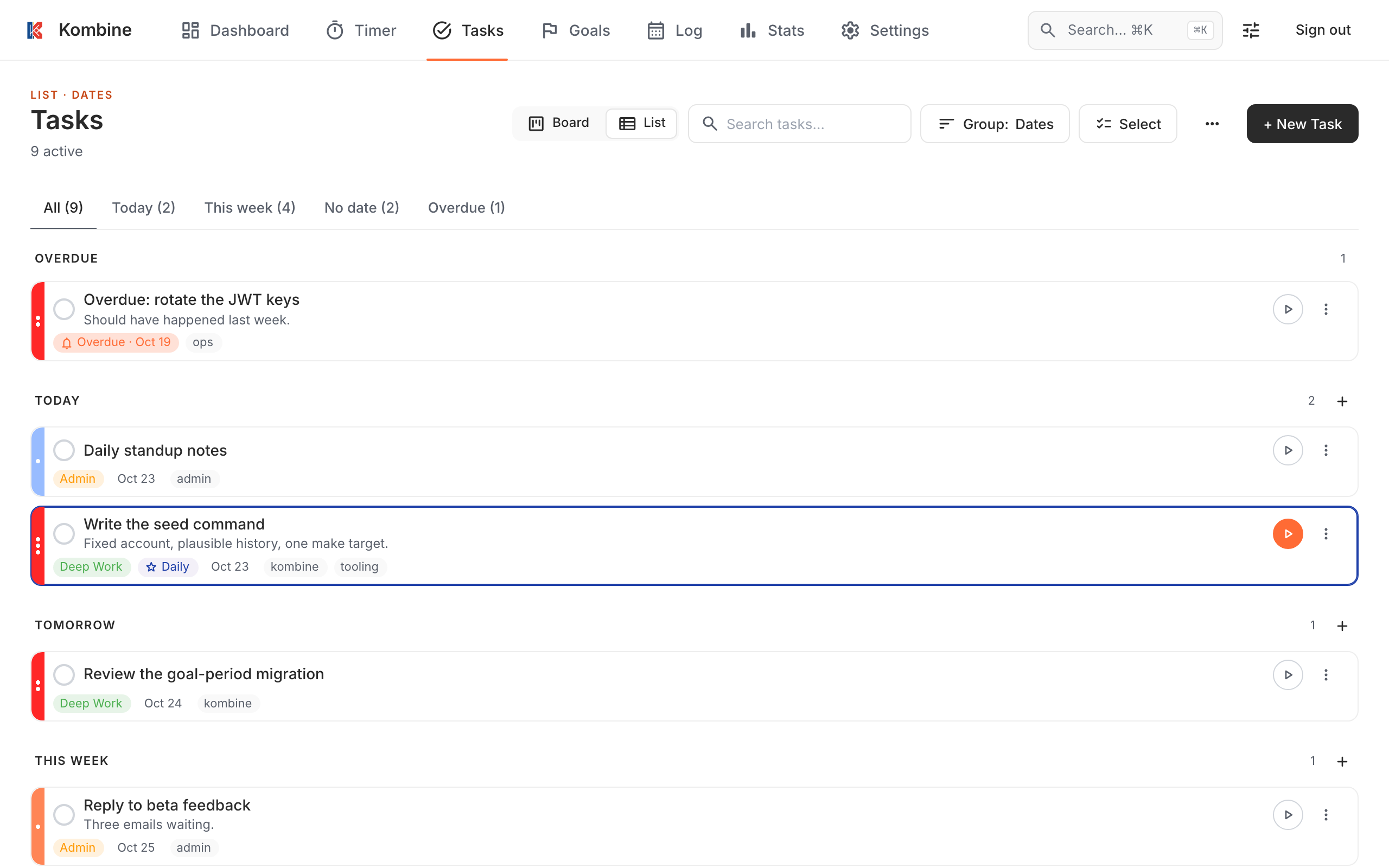
Section titled “Every task has an energy level”Besides priority and due date, a Kombine task can have an Energy level:
- High: needs your best hours. Writing, design, hard problems, decisions.
- Mid: real work, but you can do it on an average day. Reviews, planning, most meetings.
- Low: you can do it half-asleep. Email, admin, errands, tidying the list.
Priority says how important a task is. Energy says what it costs you. They’re separate on purpose: an important task can be low-energy, and a high-energy task can be unimportant.
Pick by how you feel
Section titled “Pick by how you feel”Group tasks by Energy and you see the list as High, Mid and Low. Then:
- Sharp? Take a high-energy task, ideally today’s toad.
- Running on empty? Pick something low. Clearing three small tasks still moves the day forward, and it’s often what gets you going again.
Size the session to your energy too
Section titled “Size the session to your energy too”The Adaptive timer asks how much focus you have and sets the session length: 5 minutes when it’s low, up to 40 at your peak. On a bad day a 5-minute session is short enough to start anyway. Often it turns into a second one.
Learn your own pattern
Section titled “Learn your own pattern”After a few weeks, Statistics shows when you actually focus (Time of day, Day of week) and how many tasks you finish at each energy level. Plan high-energy work into the hours that show up there. See Time tracker.
More: Tasks, Timer, and a whole day in Daily planning.
Try it
Section titled “Try it”Kombine is free, and the phone apps work without an account.