
Pomodoro timer, Flow or Adaptive: which focus timer fits?
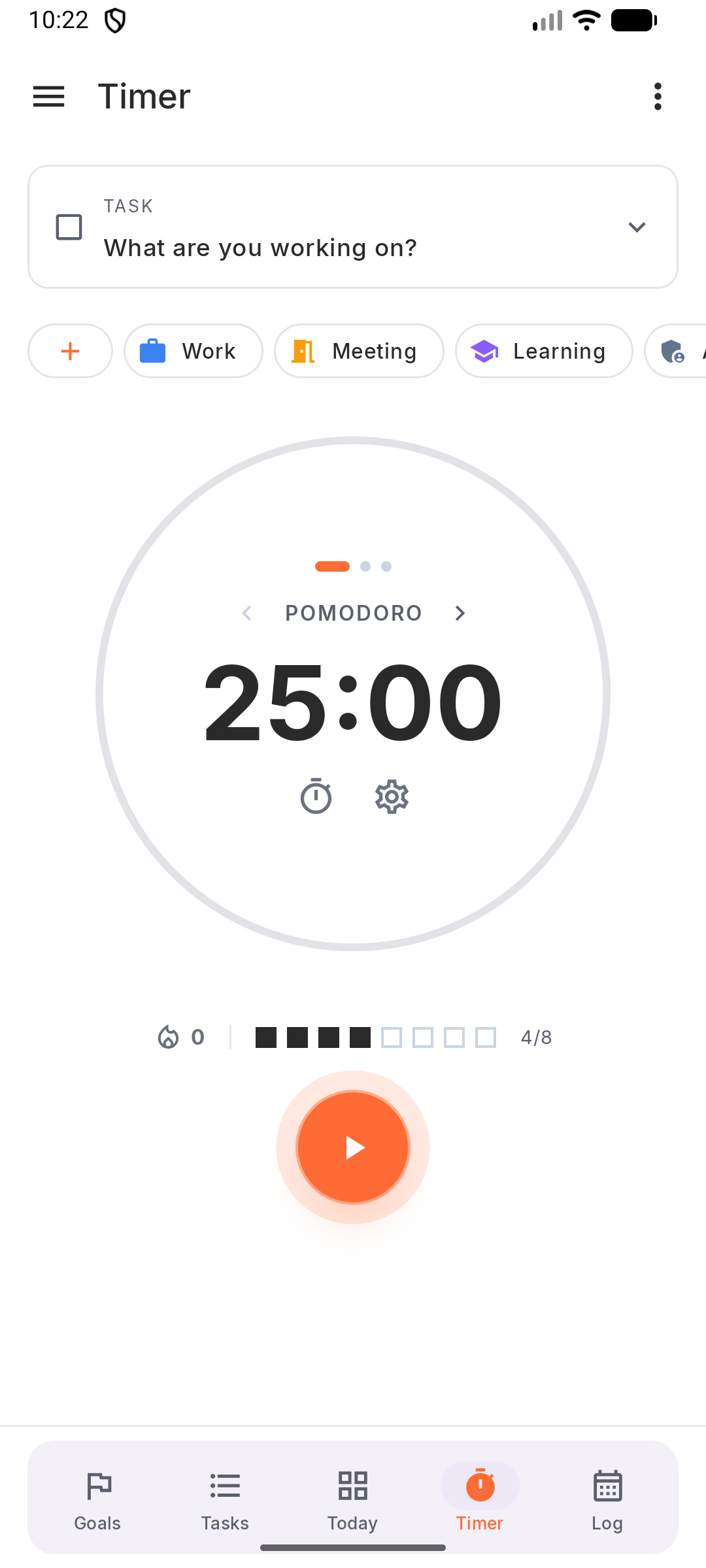
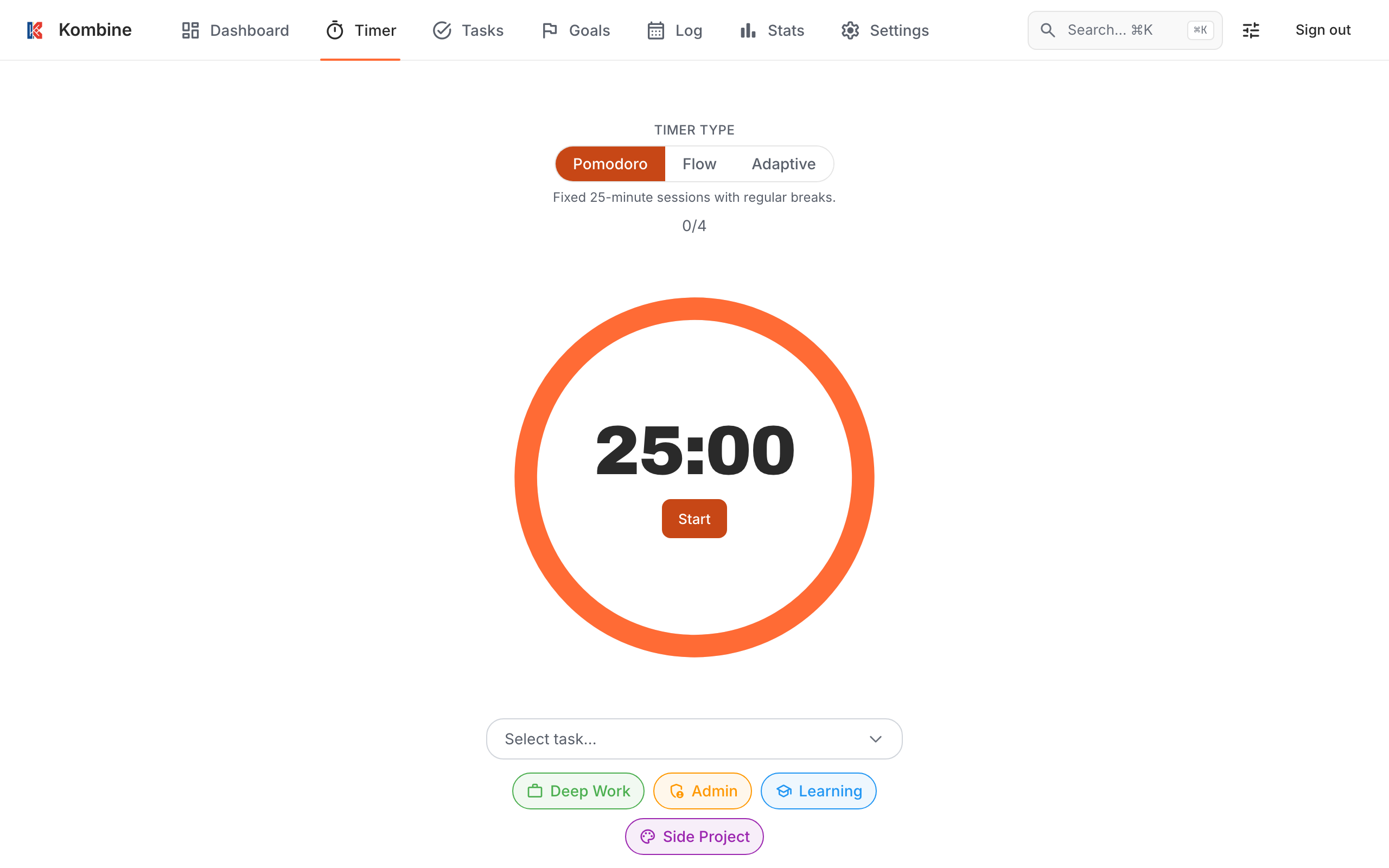
A focus timer does one job: it turns “I’ll work on this for a while” into a block with a start and an end. That works the same for a work task and a study session. The question is which kind of block fits you, and that changes from day to day. Kombine has three: a Pomodoro timer, a Flow timer and an Adaptive timer.
Pomodoro timer: fixed blocks
Section titled “Pomodoro timer: fixed blocks”25 minutes of work, a 5-minute break, and a 15-minute long break after every 4 sessions. All of it is adjustable.
Use it when the task is easy to start and hard to stop, like email, admin, reviewing or going through study notes. The fixed end stops a quick task from eating the afternoon, and the breaks happen whether you feel like it or not.
Flow timer: count up for deep work
Section titled “Flow timer: count up for deep work”Flow has no fixed end. You start, you work, you stop. The break is your work time divided by a ratio: 5:1 by default, so 50 minutes of work earns a 10-minute break.
Use it when the task needs deep work and is hard to get into: writing, coding, design. A timer that rings at minute 25, just as you finally got going, is worse than no timer. Flow lets the session run as long as your focus does, and still gives you a break that matches the work.
Adaptive timer: match the session to your energy
Section titled “Adaptive timer: match the session to your energy”Adaptive asks how much focus you have right now and picks the length:
| Focus | Work | Break |
|---|---|---|
| Low | 5 min | 2 min |
| Medium | 15 min | 5 min |
| High | 25 min | 8 min |
| Peak | 40 min | 12 min |
Use it when you’re tired, distracted or stuck. Five minutes is short enough to start anyway, and starting is usually the hard part. More on that in Energy planner.
What makes a timer worth using
Section titled “What makes a timer worth using”- It’s always at hand. Kombine runs on Android, iPhone, Wear OS, Apple Watch and the web. Start a session on your phone and the web app shows it running. Pause it on the web and the phone pauses too.
- You don’t have to open the app. Start from the home screen, control the timer from the lock screen or notification, or ask Siri.
- Sessions are tied to work. Pick a task and an activity before you start, and every finished session shows up in the Log and Statistics. See Time tracker.
- False starts don’t count. Flow sessions under 3 minutes, and Pomodoro or Adaptive sessions stopped before 2 minutes, aren’t saved.
Full details: Timer. For how this works over a real day, see Deep work.
Try it
Section titled “Try it”Kombine is free, and the phone apps work without an account.